Group companies · Foreign trade
Daleki Trade
A foreign trade platform with an import cost calculator, ATLAS as its AI assistant, and a brief to request a quote online.
Live · checked on November 12, 2026
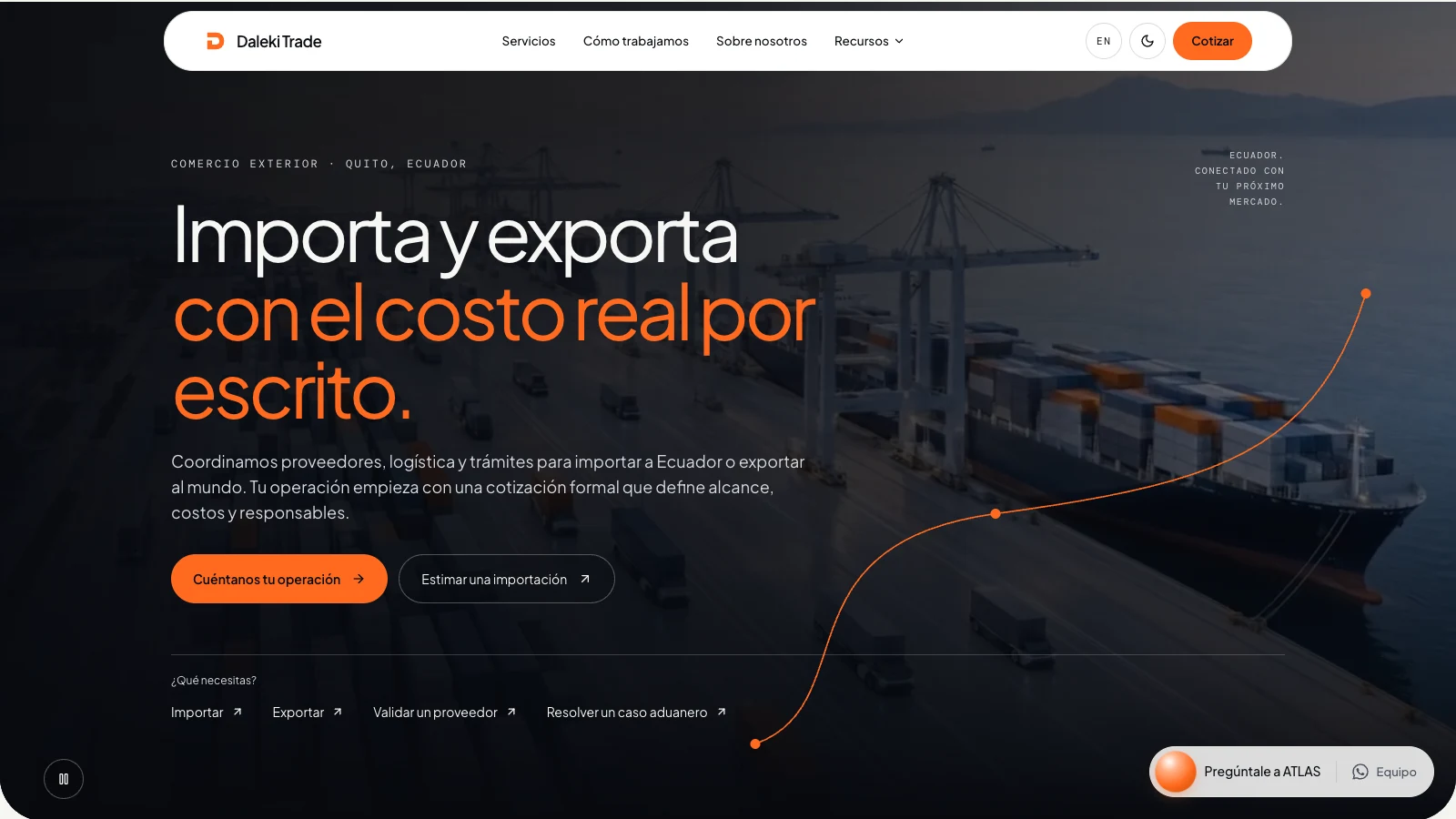
First-time importers do not know what they will pay until the cargo arrives. The platform answers that question before the first call: a calculator estimates duties, VAT, FODINFA, freight, and delivery to your city without asking you to sign up, and the process is explained in six steps with what you receive at the end of each one.
ATLAS, its AI assistant, answers foreign trade questions without requiring registration and has its own page explaining its ten tools, from tariff code search and total cost estimates to permit checks and identifying a product from a photo. The site also covers importing, exporting, supplier validation, and customs advisory, and adds a section to verify the company before paying.
Resources brings together three guides, a volumetric weight calculator, the customs glossary, frequently asked questions, and the blog. The brief reaches the team with the product, quantity, and origin, and the newsletter goes out when something changes that affects your cost. It works in Spanish and English.
What we built
- 01
Import calculator
You describe the product, choose its tariff code, and enter price, quantity, and weight. The estimate comes in three steps, with duties, VAT, FODINFA, freight, and delivery to your city, with no sign-up.
- 02
ATLAS, an AI assistant
You write to it as you would to a consultant and it decides which of its ten tools to use: tariff codes, total cost, timelines, restrictions, documents, and more. It is in the chat on every page.
- 03
Identification from a photo
You upload a photo of the product and ATLAS describes what it sees, suggests possible tariff codes, and flags likely restrictions.
- 04
Six steps, each with a deliverable
A diagram walks through the process, from your case to your warehouse, and each step states what you receive when it closes.
- 05
How to verify the company
A section explains four things you can check before paying: the registered company, the written quote, the business account, and the official channel.
- 06
Resources to decide
Three guides, a volumetric weight calculator, a customs glossary, frequently asked questions, and a blog, with no sign-up.
Inside the platform
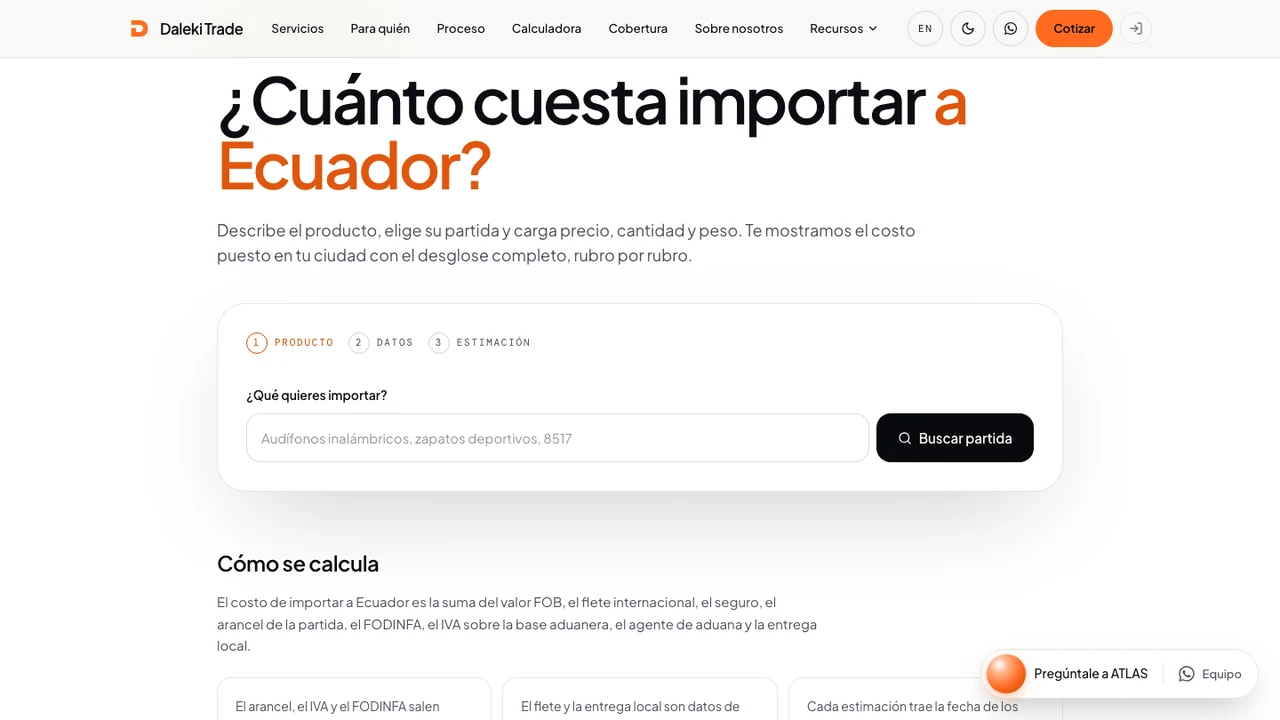
Import calculator: the first step asks for the product to look up its tariff code. 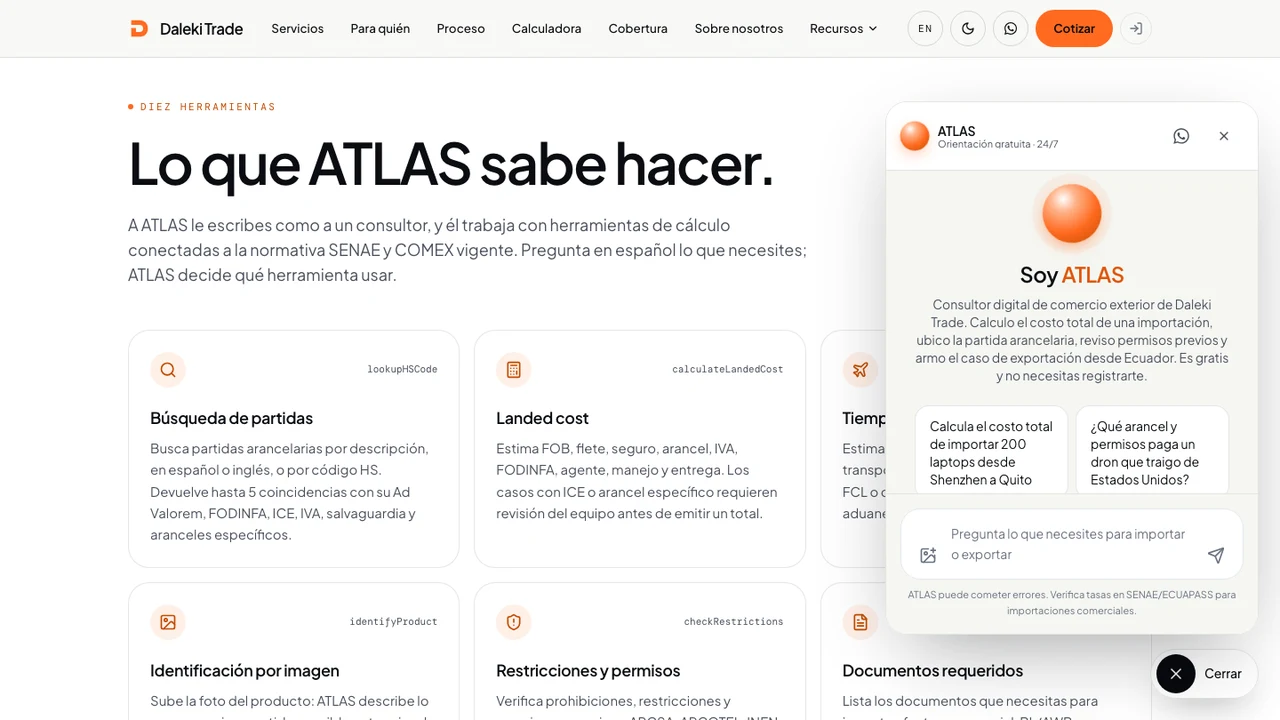
ATLAS open over the page that explains its tools, with its introduction and two suggested questions. 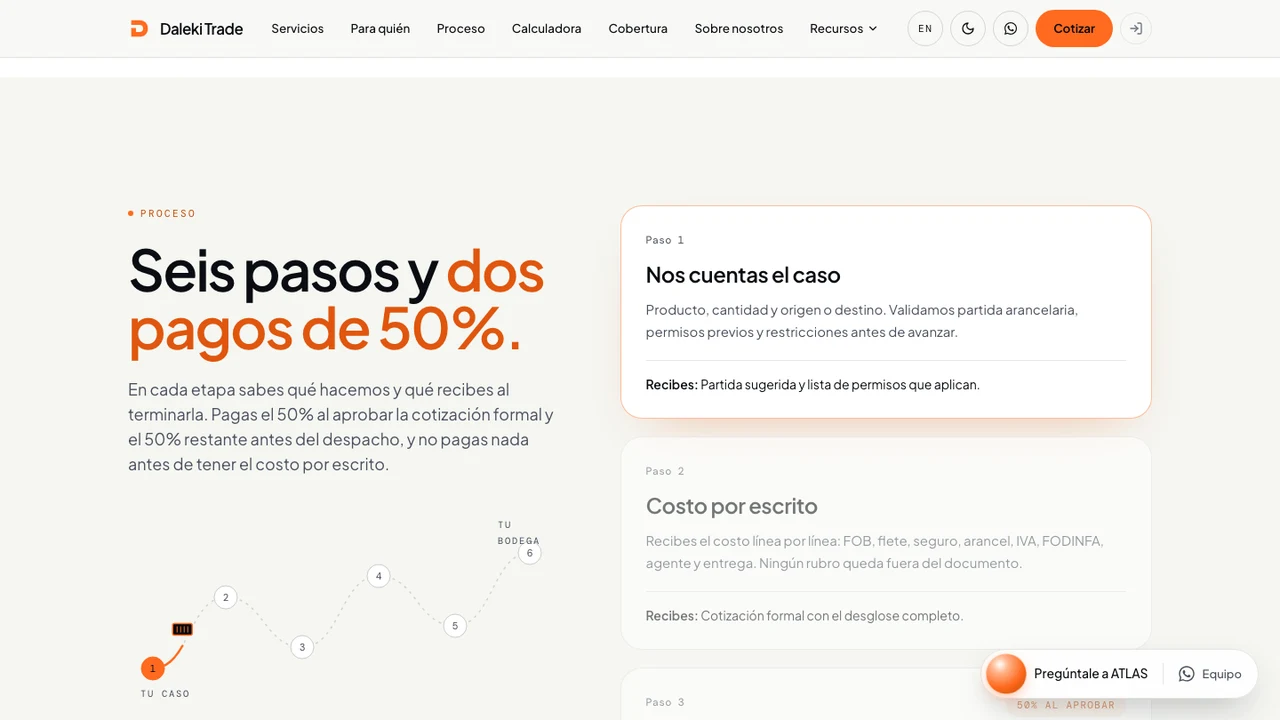
The process in six steps: a diagram tracks progress and each step states what you receive when it closes. 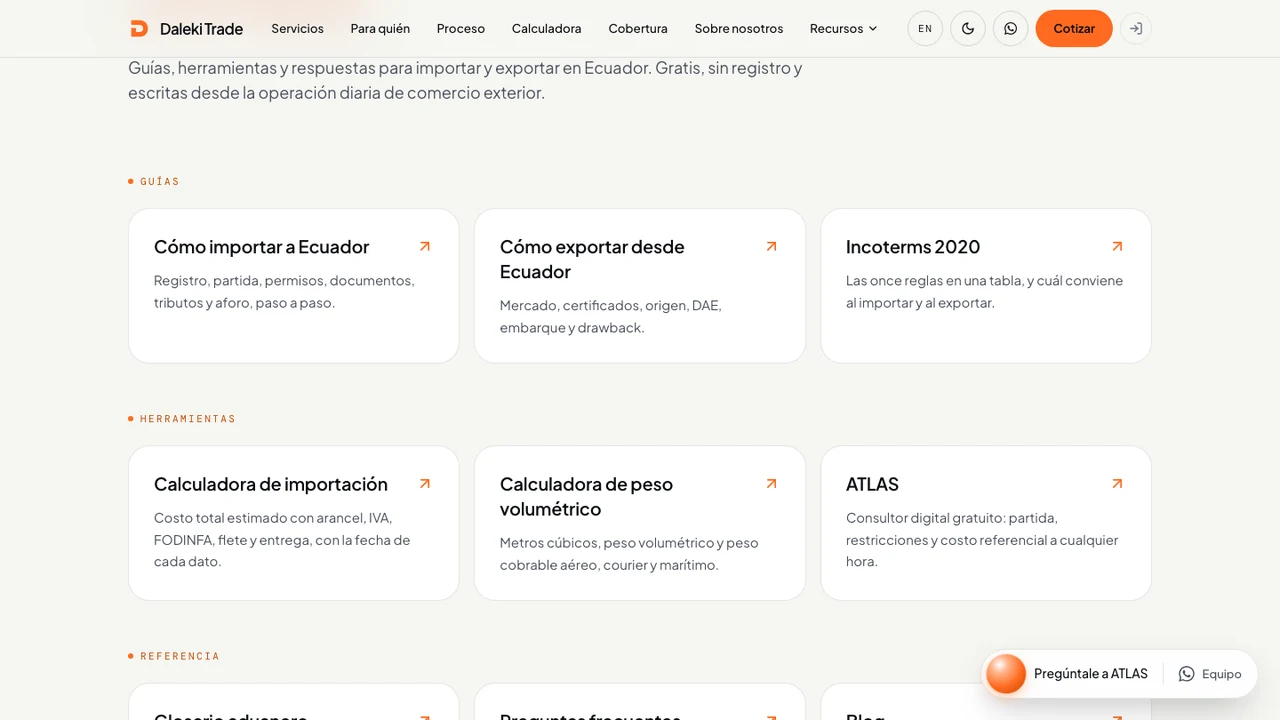
Resources: guides for importing and exporting, and tools such as the volumetric weight calculator and ATLAS.
Services applied
Capabilities
- Custom platforms
- AI agents
- Conversational experiences
This page describes the project scope. It does not present an independent measurement of results or a performance guarantee for other businesses.
Back to workMore projects


Your idea deserves a first version
Tell us what you imagine. We start by understanding your challenge and exploring how to make it possible.